


07:58 · CHECK-IN · PLANT
Time & attendance, from the door to payroll in one flow.
Tamsaat brings QR and geofenced check-in, shift planning, leave and overtime, timesheets and payroll export into one system. Unlimited employees and sites.
ABOUT THIS DEMO
This demo shows Briefikir’s time & attendance (PDKS) software.
The data belongs to a fictional company: a three-shift home textile plant, two stores and a field crew — 180 employees in total. Open the panel to see today’s attendance live; clock in from the employee app and the board updates instantly.
- QR code check-in
- Geofenced location check
- Kiosk tablet
- Card and fingerprint terminal integrationAt setup
- Face verification (optional)Optional · explicit consent
- Shift planning
- Leave management
- Overtime
- Timesheets and payroll export
- Employee mobile app
- Reports
- Unlimited employees, sites and devices — no per-user packages
CHECK-IN METHODS
A method for every door and every crew
From the plant turnstile to the construction site: methods work together and land on the same board.

QR code check-in
The kiosk at the door shows a QR code that renews every 30 seconds; staff scan it with their phone and the punch is recorded instantly.

Geofenced location check
Field and site crews can only clock in inside a defined area; location is read only at the moment of the punch.

Kiosk tablet
A tablet at the entrance shows the rotating QR code and lets staff without a phone clock in with their ID number and PIN.

Card and fingerprint terminal integrationAt setup
Your existing turnstiles, card readers and fingerprint terminals are connected to Tamsaat during setup.

Face verification (optional)Optional · explicit consent
Biometric verification is enabled only for staff who give explicit consent; others always keep QR, PIN or card.
LIVE ATTENDANCE BOARD
Who is in, who is late, who didn’t come?
The board is real-time: present, late, absent, on leave and on break, filterable by site and department.
Open the boardSHIFT PLANNING
See staffing and labour rules while you plan
Drag-and-drop weekly planning with templates and rotation; staffing and rest-period issues appear as soon as you drop a cell.
Shift planningTIMESHEET → PAYROLL
The timesheet is ready at month end; every correction leaves a trail
Every day becomes a single code; corrections require a reason and are logged; data exports to payroll.
Timesheets and payrollHR WORKFLOWS
Beyond the door: leave, overtime, mobile app, reports
Shift planning
Drag-and-drop weekly planner with templates and rotations; understaffing and rest-period issues are flagged while you plan.
DetailsLeave management
Annual, excuse and sick-leave requests come from the app and flow through manager and HR approval into the calendar and timesheet.
DetailsOvertime
Late check-outs become overtime requests; approved time goes to the timesheet and staff nearing the annual cap are flagged.
DetailsTimesheets and payroll export
Monthly timesheets build themselves; every correction keeps a reason and audit trail, and data exports to your payroll software.
DetailsEmployee mobile app
Check-in/out, breaks, today’s shift, weekly plan, leave and overtime requests, timesheet summary and announcements in one app.
DetailsReports
Lateness, absence, hours by department and overtime cost — with charts, CSV and print.
DetailsHOW IT WORKS
Set up in four steps

Setup and import
Employees, departments, sites and current shift patterns are imported. Existing card readers and turnstiles are connected.
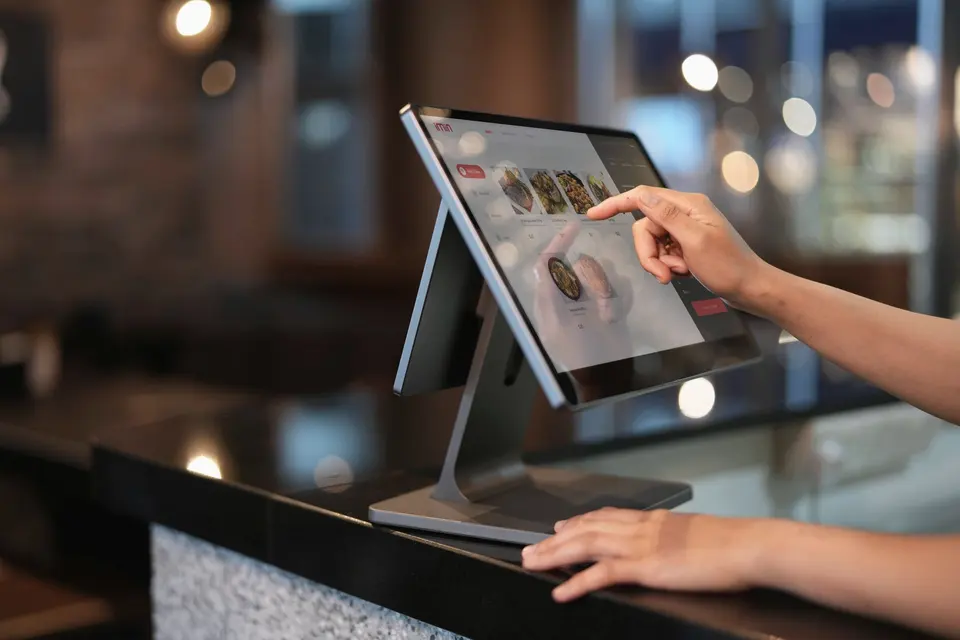
Entry points
Kiosk tablets at each door and geofences for field crews. Staff install the app with one link.
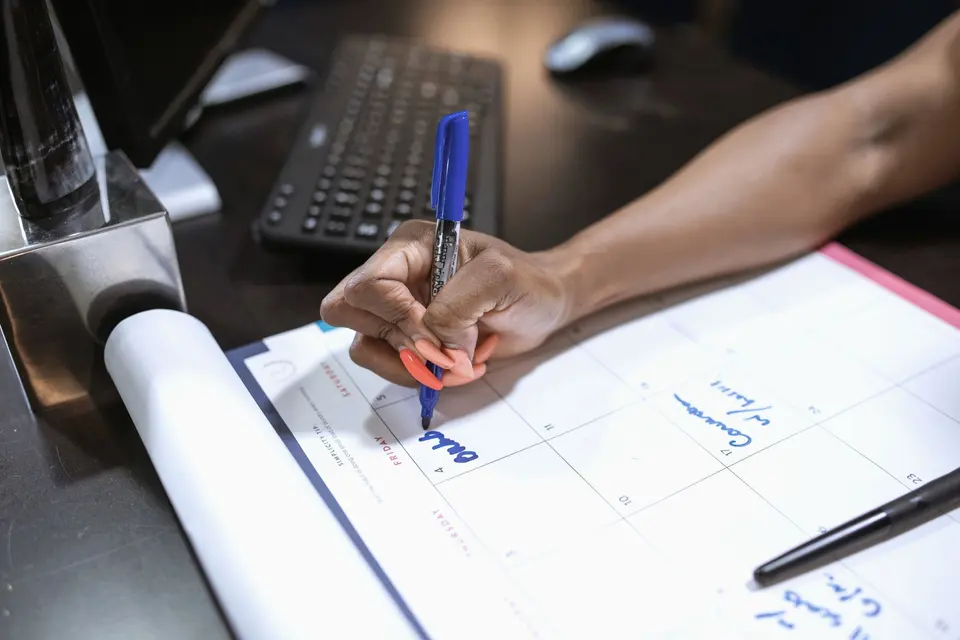
Shifts and rules
Shift templates, rotations, grace periods, rounding and break rules are configured.
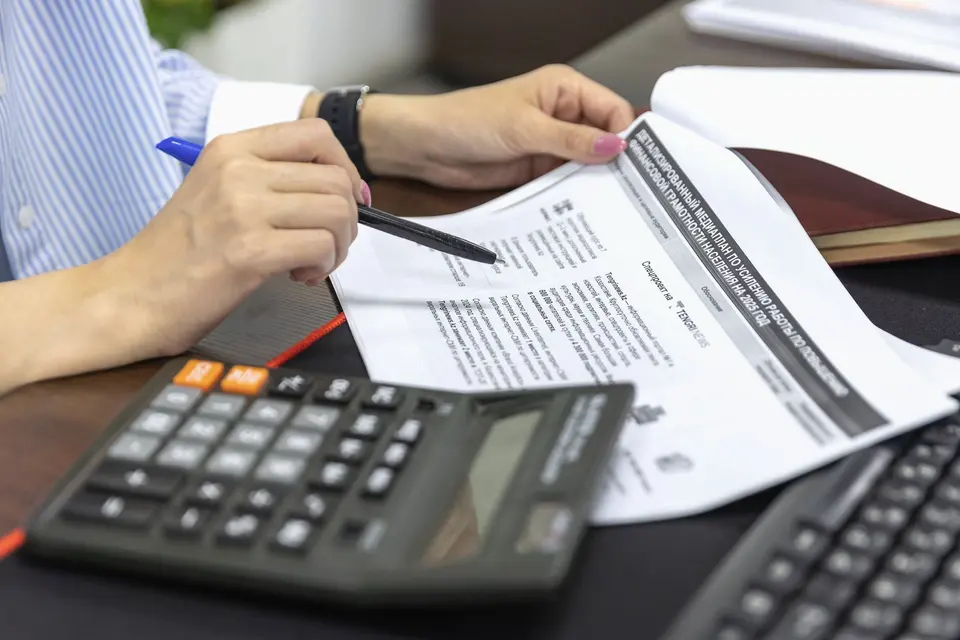
Timesheet and payroll
At month end the timesheet is ready; corrections are logged and data goes to payroll.


INDUSTRIES
Fits every shift-based business

Manufacturing
Three shifts, hundreds of workers and busy shift changes.

Retail
Many stores, opening/closing shifts and rotating days off.

Construction sites
Crews without a gate, changing sites and subcontractor timesheets.

Healthcare
Rosters, 24/7 staffing and handover times.

Security services
Guards working at client sites with post checks.

Restaurants and cafés
Split shifts, peak-hour cover and part-time staff.
DATA PROTECTION & LABOUR LAW
No continuous tracking. Biometrics only with consent.
Location is read only at punch time; biometrics are optional; legal limits are flagged in planning.
Compliance notes
SSS
Frequently asked questions
What is a time & attendance system?
It records check-ins, breaks, leave and overtime and compares them with the shift plan, producing timesheets and payroll data automatically.
Do I need to buy hardware?
No. Staff can use their phones; a standard tablet at the door is enough. Existing readers are connected at setup.
How is it priced? Per employee?
There are no per-user subscription packages. The software is installed for your company with unlimited employees and sites; you receive a tailored quote.
Is location tracked continuously?
No. Location is read once, only at the moment of check-in or check-out.
Can someone scan a screenshot for a colleague?
The QR code renews every 30 seconds and is valid only for that door; scans come from the employee’s own signed-in device.
Is biometrics mandatory?
No. Biometrics are optional and only with explicit consent; alternatives are always available.
More HR software by Briefikir: HR software.